Work smarter than ever with Intel vPro and AI PC experiences for business
Why choose HP ZBook a meetingHP Z solutions for meResourcesContact us
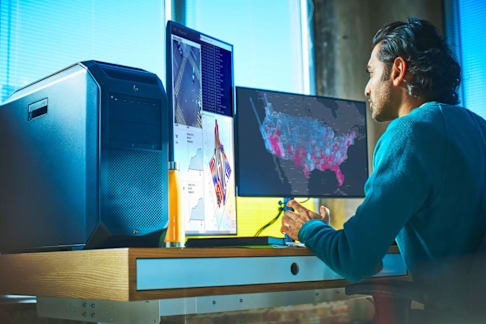
Powering the future of Federal missions with HP Z.

HP Z Workstations & Solutions combines zero-trust security with AI-ready performance, giving defense teams the confidence and speed to protect today and innovate for tomorrow.
Explore HP Z solutionsTalk to an HP Z federal expert

Trusted for missions from Earth to space

At NASA Goddard, scientists rely on HP Z Workstations to analyze massive solar datasets locally and securely, advancing heliophysics research without cloud dependency.

“The layers of security keep piling up and become a deterrent. It defeats the purpose of having faster, more convenient tools to crunch big data — each set reaching several terabytes. Now, computing TB-sized datasets locally, my momentum isn’t broken by organizational bottlenecks.” — Dr. Raphael Attié
Solar Astronomer, NASA Goddard
READ THE CASE STUDY
Anchor: Why-choose-HP-Z

Why agencies trust HP Z to power every mission


70% of federal leaders say AI is driving measurable gains in efficiency.1 HP Z powers top defense priorities like simulation, secure access, real-time intelligence, edge compute, and cyber defense to turn insights into action where it matters most.

Accelerate AI development in labs


Enable defense labs to scale AI development on TPM 2.0-certified HP Z Workstations.

Extend compute to the tactical edge


Rugged HP Z Workstations deliver secure field computing, tested 360,000 hours for reliability.

Protect data across networks


Ensure zero-trust access to classified and unclassified systems with HP Z Workstations and HP Anyware²

Mission-readiness with advanced simulation

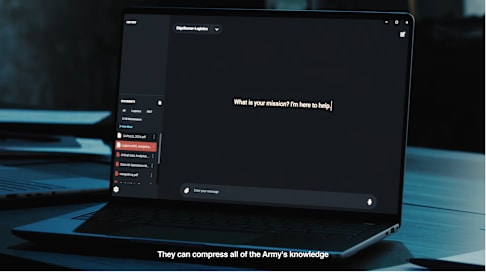
Use HP Z AI Workstations with ISV-certified defense tools to simulate missions and optimize logistics
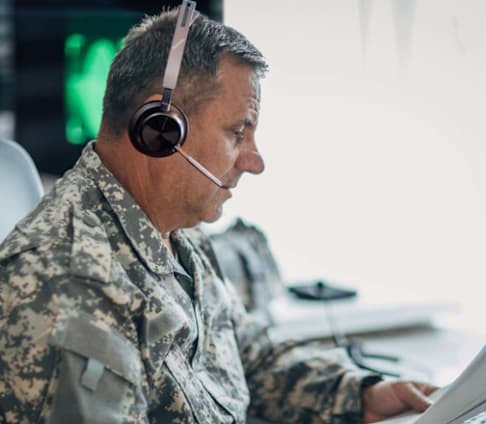
Gain real-time intelligence insights


Process massive intel data on HP Z AI Workstations with FIPS 140-2 encryption for faster, trusted mission decisions."
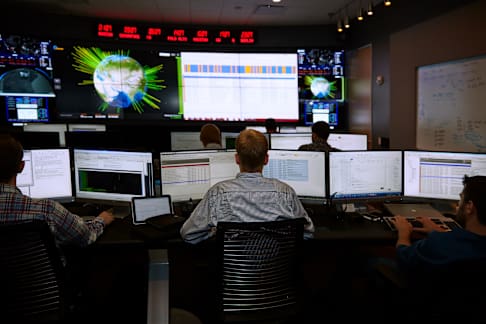
Strengthen cyber defense operations


Respond to threats faster with HP Wolf Security, built to meet zero-trust mandates.
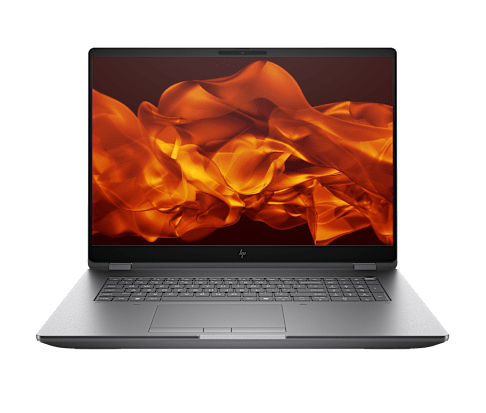
Engineered for extreme performance

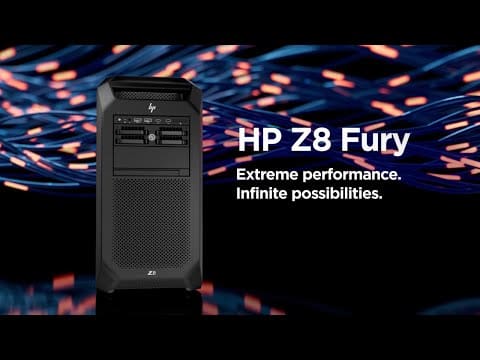
Get a closer look at the HP ZBook Fury G1i—crafted for speed, power, and precision in every mission-critical workflow.
Anchor: HP-Z-solutions-for-me

Equip your mission with HP Z

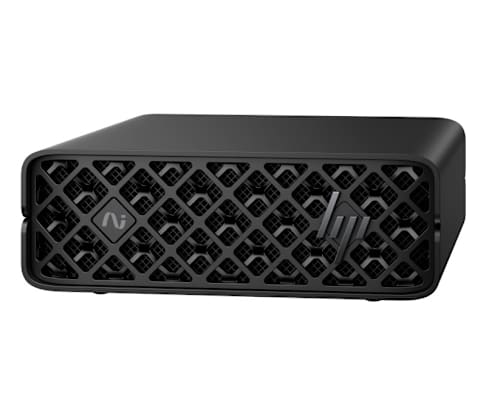
Advance AI at the edge

Prototype and fine-tune large AI models at the edge with the HP ZGX Nano AI Station G1n

Shop now

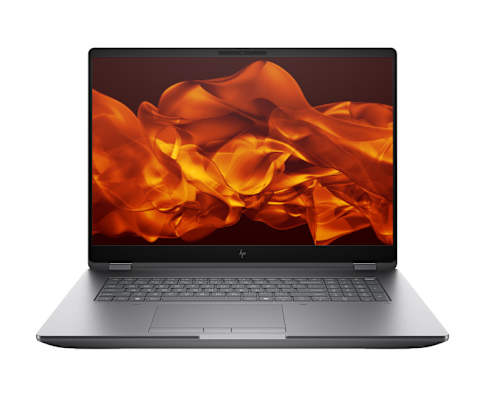
Deliver mission-grade AI in the field

Equip forward-deployed teams with the HP ZBook Fury G1i

Shop now

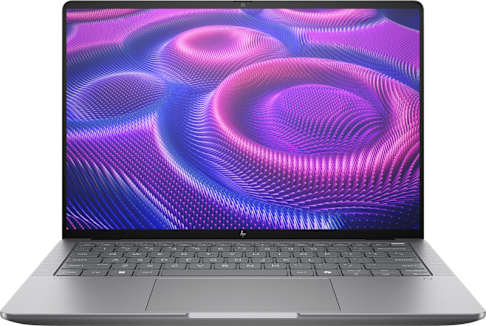
Power classified AI workflows on-the-go

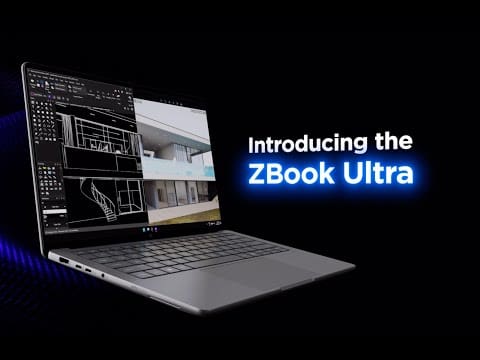
Deploy the HP ZBook Ultra G1a

Shop now

Design and model with precision

Handle modeling and visualization workflows with the HP ZBook X G1i

Shop now

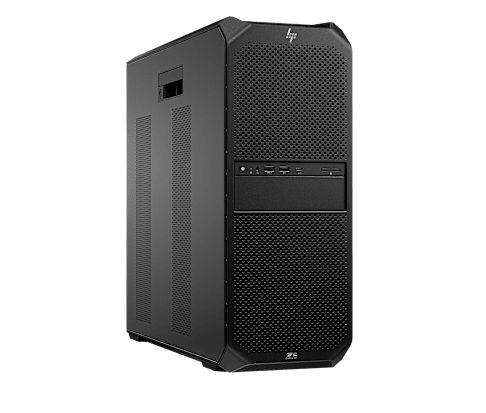
Scale AI development with confidence

Optimize AI/ML development, rendering, and simulation with the HP Z6 G5

Shop now

Software tools built for mission AI and secure edge access

Enable secure access anywhere

HP Anyware²

Learn more

Accelerate AI with fleet-wide GPUs

HP Z Boost⁵ unlocks idle GPUs across your workstation fleet to power simulation, modeling, and AI analytics. It's validated ...

Contact us
Find the best-fit HP Z solution

Meet your dedicated HP Z federal team

Our specialists partner with federal leaders to design, deploy, and support HP Z Workstations & Solutions tailored to your agency's needs.

Jeff Smith

HP Federal Advanced Compute Solutions

Justin Hancock

HP Federal Advanced Compute Solutions

Harry Jamharian

HP Federal Advanced Compute Solutions

Anchor: ContactUs

Ready to equip your agency for what's next? Start today.

​Upcoming events

June 12th, 2026

Federal Tech Leader Summit


Learn more

June 16, 2026

Leidos SMIT Solution Center Roadshows - Crane Naval Base


July 13, 2026

Germany Summer Series 2026 -Spangdahlem AB Tech Expo


Learn more

July 14, 2026

Ramstein-Miesenbach, DE


Learn more

July 16, 2026

Government Efficiency Summit 2026


Learn more
Anchor: Resources

Discover how federal leaders are transforming with HP Z

Disclaimers

Product may differ from images depicted.
The information contained herein is subject to change without notice. The only warranties for HP products and services are set forth in the express warranty statements accompanying such products and services. Nothing herein should be construed as constituting an additional warranty. HP shall not be liable for technical or editorial errors or omissions contained herein.
1 Source (October 16, 2024): https://www.insidehighered.com/news/tech-innovation/artificial-intelligence/2024/10/16/campus-tech-leaders-say-higher-ed
2. HP Anyware requires network access. HP Anyware supports Windows®, Linux® and MacOS® host environments and Window, Linux, MacOS, iOS®, Android®, and Chrome OS® end-user devices. For more on the system requirements for installing HP Anyware, refer to the Admin Guides at: https://anyware.hp.com. HP Anyware is based on the Teradici CAS software and licensing platform and is available through a 1- and 3-year subscription. HP Anyware subscriptions are based on the number of concurrent PCoIP connections used (pay for the number of host connections, not the software) with a minimum order quantity of 5. HP Anyware subscriptions gives you a license key to activate a connection to a hosted desktop as well as support and updates to the Anyware Agents, Anyware Clients and the Anyware Manager available for download here: https://anyware.hp.com/. For a limited time, an HP Anyware subscription also includes access and support for ZCentral Connect and is available for purchase through an HP seller or by contacting sales at: hp.com/Anyware. HP Services are governed by the applicable HP terms and conditions of service provided or indicated to Customer at the time of purchase. Customer may have additional statutory rights according to applicable local laws, and such rights are not in any way affected by the HP terms and conditions of service or the HP Limited Warranty provided with your HP Product.
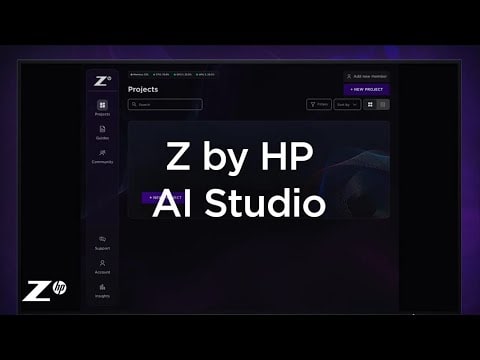
3. HP AI Studio requires Windows 10 (build 19041 and higher) or Windows 11 OS, Intel Core™ i5 12th gen or higher, AMD Ryzen™ 9 or higher processors, minimum 50 GB of available storage, 16GB of RAM, and Internet access. To enable GPU compute, HP Z AI Studio requires any NVIDIA® GPU compatible with driver version 528.89 or newer. A minimum of 8GB of VRAM is recommended. Join waitlist for access to HP Z AI Studio early access program.
4. HP Wolf Security for Business requires Windows 10 or 11 Pro and higher, includes various HP security features and is available on HP Pro, Elite, RPOS and Workstation products. See product details for included security features.
5. HP Z Boost requires client device with Windows 10 or Windows 11 OS and Vulkan Runtime for devices without a GPU, or WSL2 with Ubuntu 22.04 or Ubuntu 22.04 LTS or greater. Host device for sharing GPU(s) must be a Z by HP workstation with NVIDIA professional grade workstation GPU(s) of Pascal architecture or later with an installed driver version 535 or greater, and a CUDA driver version 11.2 through to 12.3, Windows 10 or Windows 11 OS (WSL is not supported), or Ubuntu 22.04 LTS or greater or Debian 11 or greater with libatomic1, libnumal1, libvulkan1, libgl1, libglib2.0-0 packages installed. Network connection required. Join waitlist to be considered for selection for early access
6. The HP Z Remote Access Solution recommended configurations include HP Z workstations, HP Remote System Controller, and HP Anyware software for remote access to an end point device. Network access required.  HP Anyware software and licensing are available through a 1- or 3-year subscription. Renewal is required after the subscription term. HP Anyware subscriptions are based on the number of concurrent PCoIP connections used (pay for the number of host connections, not the software) with a minimum order quantity of 5. For a limited time, an HP Anyware Professional subscription also includes access and support for ZCentral Remote Boost and ZCentral Connect and is available for purchase through an HP reseller or contact sales at hp.com/Anyware. ZCentral Remote Boost Sender requires Windows 10 and 11, RHEL/CentOS (7 or 8), or UBUNTU 18.04 or 20.04 LTS operating systems. macOS (10.14 or newer) operating system and ThinPro 7.2 are only supported on the receiver side. ZCentral Connect requires Windows (10 or 11) or Windows Server (2016 or 2019) operating system, Microsoft Active Directory and Intel Active Management Technology for select features. For system requirements and to install HP Anyware and Anyware Manager, refer to the Admin Guides at: https://docs.teradici.com/find/product/hp-anyware. HP Remote System Controller is sold separately. Internet access required
© Copyright 2026 HP Development Company, L.P. The information contained herein is subject to change without notice. The only warranties for HP products and services are set forth in the express warranty statements accompanying such products and services. Nothing herein should be construed as constituting an additional warranty. HP shall not be liable for technical or editorial errors or omissions contained herein.