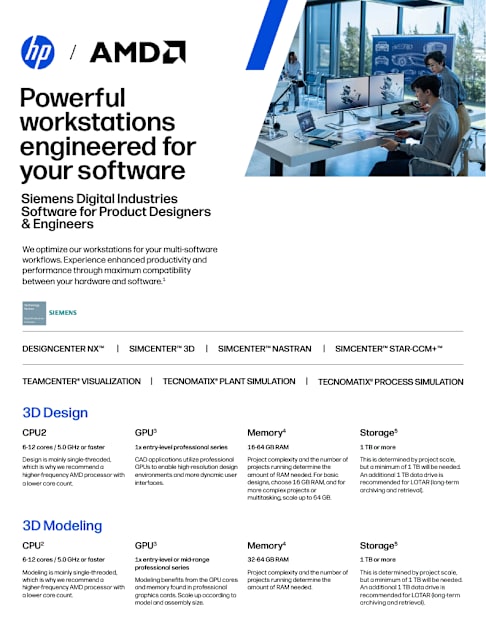
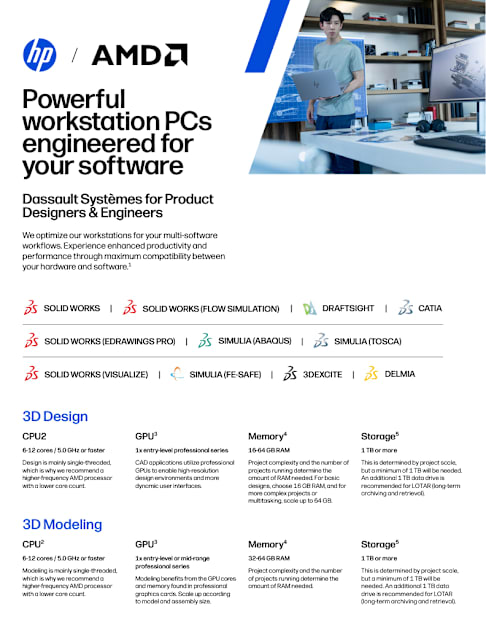
Enable demanding workflows without deploying high-end desktops to every employee.
Spec'ing devices based on single software workflows no longer reflects the reality of today's memory-intensive, multi-application stacks. Designers, engineers, architects, developers, artists,...
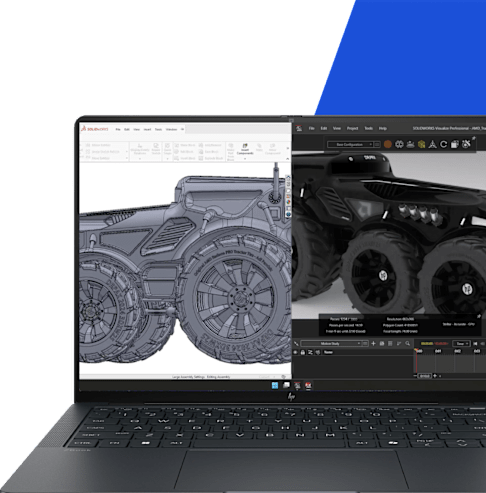
For Product Designers and Mechanical Engineers who do 3D Modeling & Visualization Achieve realism without the bottleneck
Remove the pain points caused by hardware limitations:
Extended rendering and processing time
Performance issues during multi-software usage
Being tied to a desktop
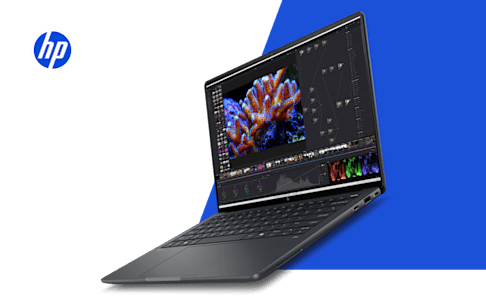
It's now possible to create a 3D model in SOLIDWORKS®1 and then switch between apps to 3D render, visualize, and export design elements without having to close either application, all on a 14" mobile workstation. “This mobile workstation can tap into the full range of capabilities found inside SOLIDWORKS 3D CAD software, giving users a remarkable ability to design almost anything now on the go.” Olivier Zegdoun, Graphics R&D Applications Director, SOLIDWORKS
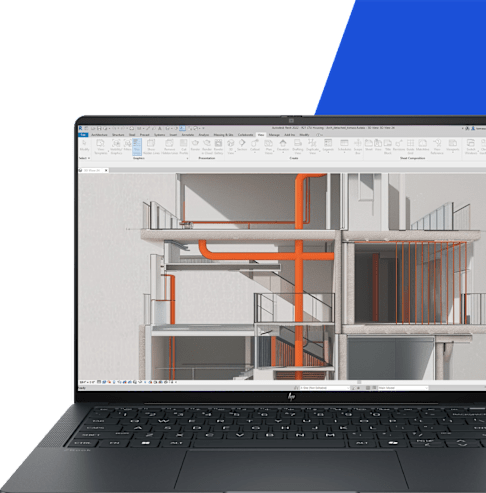
For Architects & Engineers who do 3D Design, Modeling & Simulations Cruise through heavy Autodesk Revit models1
Remove the pain points caused by hardware limitations:
Sluggish model performance, prone to crashes when working with multiple apps and data types
Limited interactivity with large assemblies
Inability to produce high quality visuals on the go
It's now possible to run multiple instances of Revit without crashes or lag while seamlessly creating high-quality visuals, all on a 14" mobile workstation.
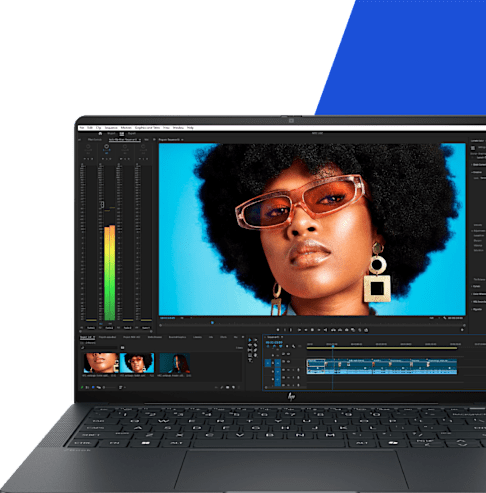
For Video Editors who do Complex 3D Modeling and Rendering Simultaneously work with multiple creative applications
Remove the pain points caused by hardware limitations:
Slow imports and processing of 4K assets
Laptop lags, freezes or crashes when loading assets with high resolution and color depth in real time
Inability to work with multiple apps and data sources at the same time due to limited VRA
Poor performance when combining and rendering final 4K assets on the go
It's now possible to run multiple applications simultaneously: model & animate with Cinema 4D, render in Redshift, composite in Adobe After Effects, and finish with Adobe Premiere Pro, all on a 14" mobile workstation. “We discovered that the HP ZBook Ultra G1a performed exceptionally well, effortlessly handling both C4D and Redshift at the same time. Loading a large scene and rendering it so fast on such a compact 14-inch laptop is truly remarkable.” Philip Losch, Chief Product and Technology Officer, Maxon
Find the Right Workstation for Your Workflow Whether you're designing complex models, rendering visuals, analyzing data, or running specialized applications, our Workstation Finder helps you identify the best solution for your needs. Get personalized recommendations based on your workflow, software, and performance requirements.
Disclaimers 1. Third party software sold separately 2. Multicore is designed to improve performance of certain software products. Not all customers or software applications will necessarily benefit from use of this technology. Performance and clock frequency will vary depending on application workload and your hardware and software configurations. AMD ’s numbering is not a measurement of clock speed. Features and software that require a NPU may require software purchase, subscription or enablement by a software or platform provider, and third-party software may have specific configuration or compatibility requirements. Performance varies by use, configuration, and other factors. 3. Memory is an optional feature that must be configured at purchase. The AMD Ryzen AI Max PRO unified memory architecture supports system configurations of up to 128GB system memory and allows memory to be flexibly assigned between the CPU and GPU. When 128GB memory is configured, up to 96GB unified memory can be used for Radeon graphics, leaving up to 32GB reserved for system memory. 4. Features and software that require a NPU may require software purchase, subscription or enablement by a software or platform provider, and third-party software may have specific configuration or compatibility requirements. Performance varies by use, configuration, and other factors. 5. Actual throughput may vary. 6. Starting at weight varies by configuration. 7. Battery life will vary depending on the product model, configuration, loaded applications, features, use, wireless functionality and power management settings. The maximum capacity of the battery will naturally decrease with time and usage. See MobileMark18 battery benchmark https://results.bapco.com/results/benchmark/ MobileMark_2018 for additional details. 8. Recharges your battery up to 50% within 30 minutes when the system is off or in standby mode. Power adapter with a minimum capacity of 65 watts is required. After charging has reached 50% capacity, charging will return to normal. Charging time may vary +/-10% due to System tolerance. 9. Recycled plastic is expressed as a percentage of the total weight plastic. Post-consumer recycled is based on the definition set in the EPEAT standard for computers, IEEE 1680.1-2018 standard. Percent of recycled material varies by product. 10. Based on US EPEAT® registration according to IEEE 1680.1-2018 EPEAT®. EPEAT® registered where applicable. EPEAT registration varies by country. See www.epeat.net for registration status by country. AMD, the AMD Arrow logo, Ryzen, Ryzen PRO and combinations thereof are trademarks of Advanced Micro Devices, Inc.