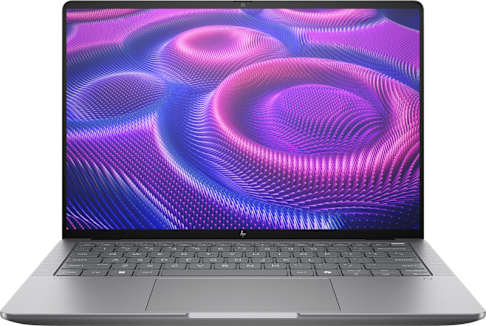
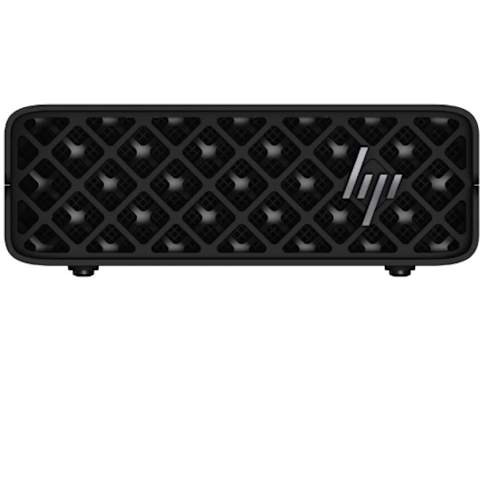
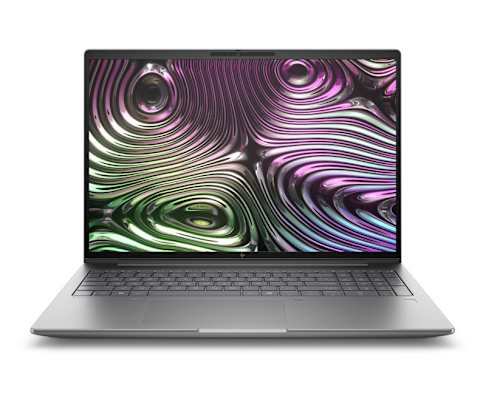
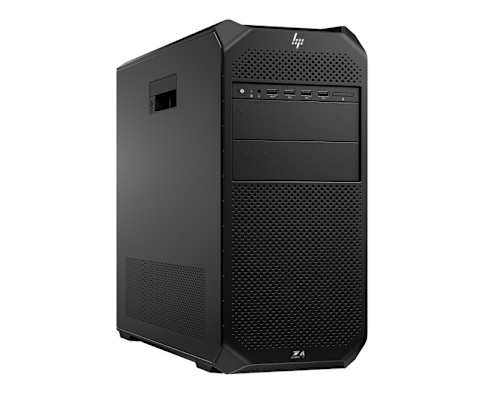
Product may differ from images depicted.
The information contained herein is subject to change without notice. The only warranties for HP products and services are set forth in the express warranty statements accompanying such products and services. Nothing herein should be construed as constituting an additional warranty. HP shall not be liable for technical or editorial errors or omissions contained herein.
1 Source (November 25, 2024):
https://statescoop.com/many-local-governments-unprepared-safe-ai-2024/ 2. HP Anyware requires network access. HP Anyware supports Windows®, Linux® and MacOS® host environments and Window, Linux, MacOS, iOS®, Android®, and Chrome OS® end-user devices. For more on the system requirements for installing HP Anyware, refer to the Admin Guides at: https://anyware.hp.com. HP Anyware is based on the Teradici CAS software and licensing platform and is available through a 1- and 3-year subscription. HP Anyware subscriptions are based on the number of concurrent PCoIP connections used (pay for the number of host connections, not the software) with a minimum order quantity of 5. HP Anyware subscriptions gives you a license key to activate a connection to a hosted desktop as well as support and updates to the Anyware Agents, Anyware Clients and the Anyware Manager available for download here: https://anyware.hp.com/. For a limited time, an HP Anyware subscription also includes access and support for ZCentral Connect and is available for purchase through an HP seller or by contacting sales at: hp.com/Anyware. HP Services are governed by the applicable HP terms and conditions of service provided or indicated to Customer at the time of purchase. Customer may have additional statutory rights according to applicable local laws, and such rights are not in any way affected by the HP terms and conditions of service or the HP Limited Warranty provided with your HP Product.
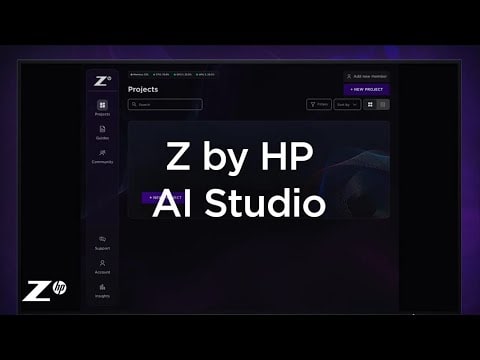
3. HP AI Studio requires Windows 10 (build 19041 and higher) or Windows 11 OS, Intel Core™ i5 12th gen or higher, AMD Ryzen™ 9 or higher processors, minimum 50 GB of available storage, 16GB of RAM, and Internet access. To enable GPU compute, HP Z AI Studio requires any NVIDIA® GPU compatible with driver version 528.89 or newer. A minimum of 8GB of VRAM is recommended. Join waitlist for access to HP Z AI Studio early access program.
4. HP Wolf Security for Business requires Windows 10 or 11 Pro and higher, includes various HP security features and is available on HP Pro, Elite, RPOS and Workstation products. See product details for included security features.
5. HP Z Boost requires client device with Windows 10 or Windows 11 OS and Vulkan Runtime for devices without a GPU, or WSL2 with Ubuntu 22.04 or Ubuntu 22.04 LTS or greater. Host device for sharing GPU(s) must be a Z by HP workstation with NVIDIA professional grade workstation GPU(s) of Pascal architecture or later with an installed driver version 535 or greater, and a CUDA driver version 11.2 through to 12.3, Windows 10 or Windows 11 OS (WSL is not supported), or Ubuntu 22.04 LTS or greater or Debian 11 or greater with libatomic1, libnumal1, libvulkan1, libgl1, libglib2.0-0 packages installed. Network connection required. Join waitlist to be considered for selection for early access
6. The HP Z Remote Access Solution recommended configurations include HP Z workstations, HP Remote System Controller, and HP Anyware software for remote access to an end point device. Network access required. HP Anyware software and licensing are available through a 1- or 3-year subscription. Renewal is required after the subscription term. HP Anyware subscriptions are based on the number of concurrent PCoIP connections used (pay for the number of host connections, not the software) with a minimum order quantity of 5. For a limited time, an HP Anyware Professional subscription also includes access and support for ZCentral Remote Boost and ZCentral Connect and is available for purchase through an HP reseller or contact sales at hp.com/Anyware. ZCentral Remote Boost Sender requires Windows 10 and 11, RHEL/CentOS (7 or 8), or UBUNTU 18.04 or 20.04 LTS operating systems. macOS (10.14 or newer) operating system and ThinPro 7.2 are only supported on the receiver side. ZCentral Connect requires Windows (10 or 11) or Windows Server (2016 or 2019) operating system, Microsoft Active Directory and Intel Active Management Technology for select features. For system requirements and to install HP Anyware and Anyware Manager, refer to the Admin Guides at: https://docs.teradici.com/find/product/hp-anyware. HP Remote System Controller is sold separately. Internet access required
© Copyright 2025 HP Development Company, L.P. The information contained herein is subject to change without notice. The only warranties for HP products and services are set forth in the express warranty statements accompanying such products and services. Nothing herein should be construed as constituting an additional warranty. HP shall not be liable for technical or editorial errors or omissions contained herein.