Matching the right workstation to the right AEC role
In AEC Magazine’s latest sponsored report, HP and AMD tackle one of the most misunderstood decisions in professional hardware: it’s not about buying the most powerful machine — it’s about buying the right one for your workflow.
Learn which workstation capabilities best align with different AEC roles, and when a highest-spec workstation is truly needed.
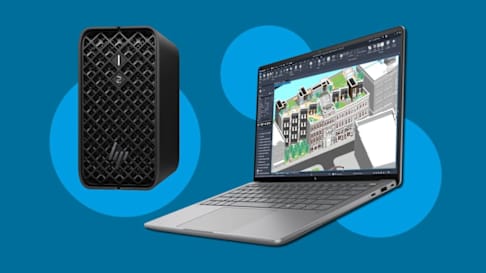
Support design, BIM management, and reality modeling workflows with the performance needed in a thin mobile workstation or ultra-compact desktop.

Learn how unified memory enables demanding AI workloads, helping handle larger models, improve responsiveness, and support local AI experiences without relying on fixed VRAM a...
Help teams identify issues sooner and keep projects on track, with workstations that allow them to process large models and datasets fast.

Anchor: AEC-Workflows
The architectural designer
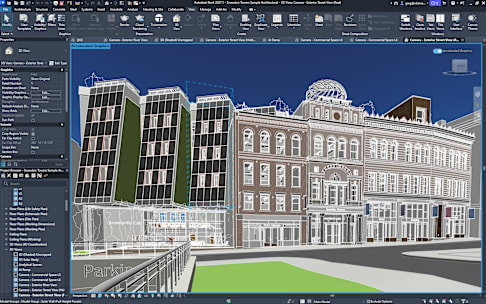
AEC Magazine’s testing highlights how CAD/BIM, visualization, and AI-assisted image generation rely on different combinations of memory and graphics resources, helping IT teams match workstation specifications to user workflows.
The BIM manager
Because many CAD and BIM tasks rely heavily on single-threaded performance, the findings highlight where IT teams can balance user needs, system capability, and cost.
The BIM modeler / technician
Since many CAD and BIM tasks rely more on single-threaded performance than maximum compute power, IT teams can better align system configuration to the role’s actual needs—supporting reliable performance while avoiding unnecessary cost.
The reality modeling specialist
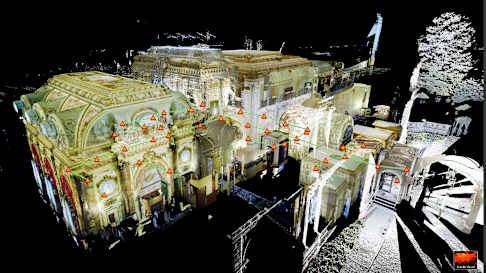
The performance results show that reality modeling workflows can place sustained pressure on workstation performance, especially when processing point clouds, photogrammetry, and large site survey datasets. The findings highlight how memory capacity, processor performance, graphics capability, and form factor can affect processing time, system responsiveness, and deployment choices for IT teams supporting construction verification and other data-intensive AEC workflows.
Anchor: Workstation-Selection
The most powerful option is not always the most appropriate one. Choose the workstation that fits the work
Across four AEC roles, the article shows how workstation needs change by workflow, dataset size, mobility requirements, and performance demands. Read the full article to see how the findings can help IT teams make more informed workstation decisions.